
BlogHands-onResearch
Your first DeepSeek agent task: a checkable briefing from three sources
We gave DeepSeekBot three project introductions, then checked and shortened its briefing draft. Here is what happened and a prompt to adapt.
On this page
For our first task with a DeepSeek agent, we chose something familiar: organizing a few project introductions into a short briefing. We had three documents and wanted to understand what each project did, how they related, and which questions needed more research.
DeepSeekBot returned a draft with three observations, two open questions and source references. We still needed to check the references and shorten the prose. Here is what happened, and how we would approach the next briefing.
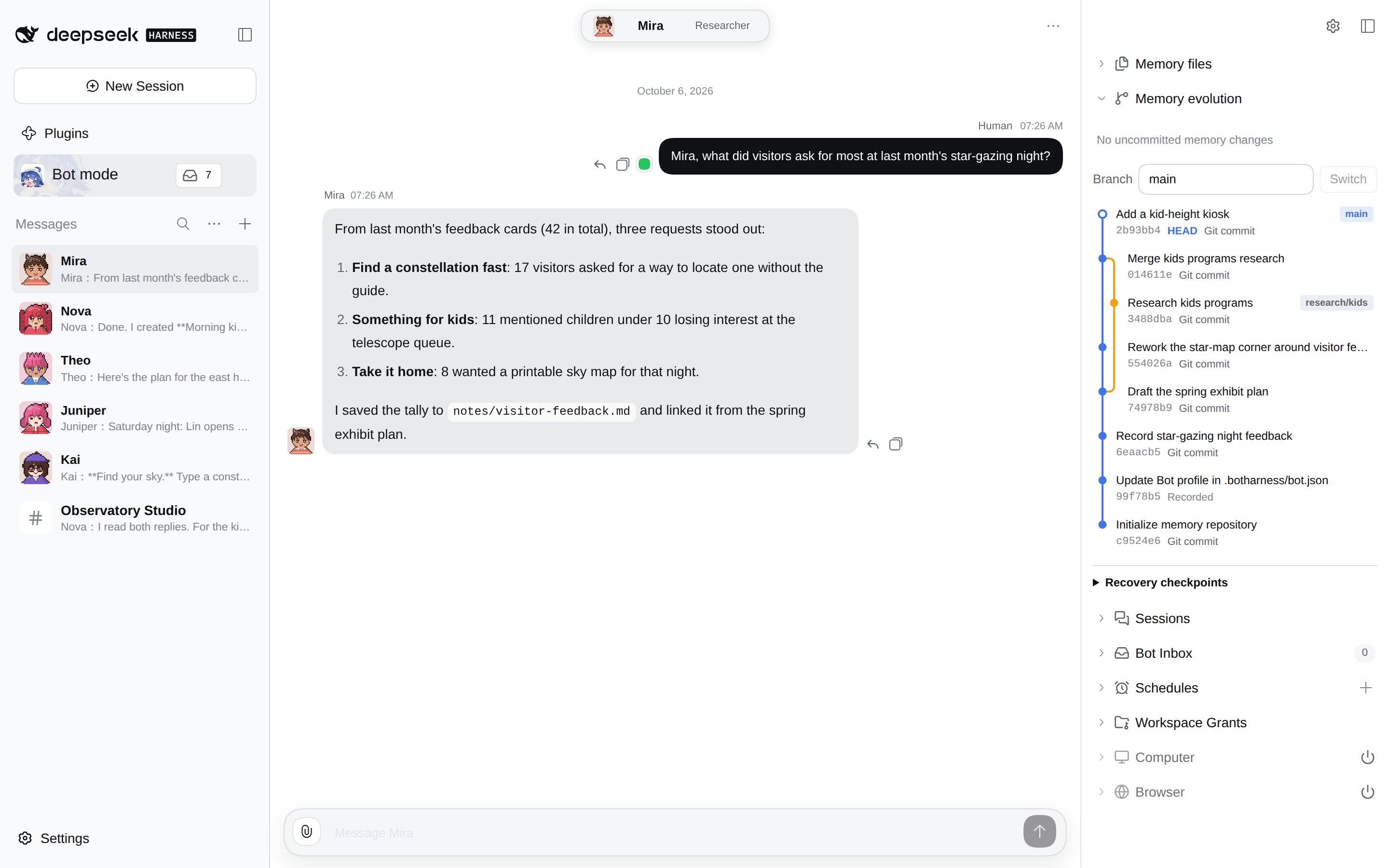
Zoom into the Git memory panel
Give the briefing a question to answer
The question came from two easily confused names: DeepSeekBot and DS Bot. They are independent projects by different maintainers. We wanted to understand them and their relationship to DeepSeek Harness before choosing what to try.
| Document | What we wanted to learn |
|---|---|
| BotHarness’s DeepSeekBot | How it keeps memory, organizes collaboration and delegates tasks |
| FeiZhuLulu’s DS Bot | How the other similarly named project coordinates group work |
| DeepSeek Harness | The underlying software these plugins run on |
We selected relevant passages and added notes about which claims the documents supported, then supplied them together. The Bot worked from those prepared materials; it did not search the web for sources. Meeting notes, project updates or a few technical articles offer a similar starting point: choose a question and material you already know well enough to check.
Ask for a draft with its sources attached
Our request was for a Chinese briefing of roughly 700 characters, with three observations, two open questions and a source for each important claim. It would return to our private conversation so we could keep working on it.
Here is a template to adapt:
Prepare a one-page briefing from these three documents:
A: [original link and relevant passages]
B: [original link and relevant passages]
C: [original link and relevant passages]

Give three observations and two questions that still need checking.
Cite each important claim and separate facts from inferences.
Use only the material I supplied and return a draft to this conversation.
You can use the same approach for a project update or a technical decision. Tell the Bot what you want to understand, and ask it to keep the sources close to the claims.
The useful work came after the draft arrived
The original reply organized the material around project identity, collaboration, and questions about cost and data. We followed its references before making recommendations.
The package names mattered: deepseekbot and ds-bot belong to different projects, and neither is an official DeepSeek product. The READMEs described how collaboration was designed, but could not tell us which tool would save more time in practice. Local memory storage also did not mean that relevant content would stay on the machine when sent to a remote model.
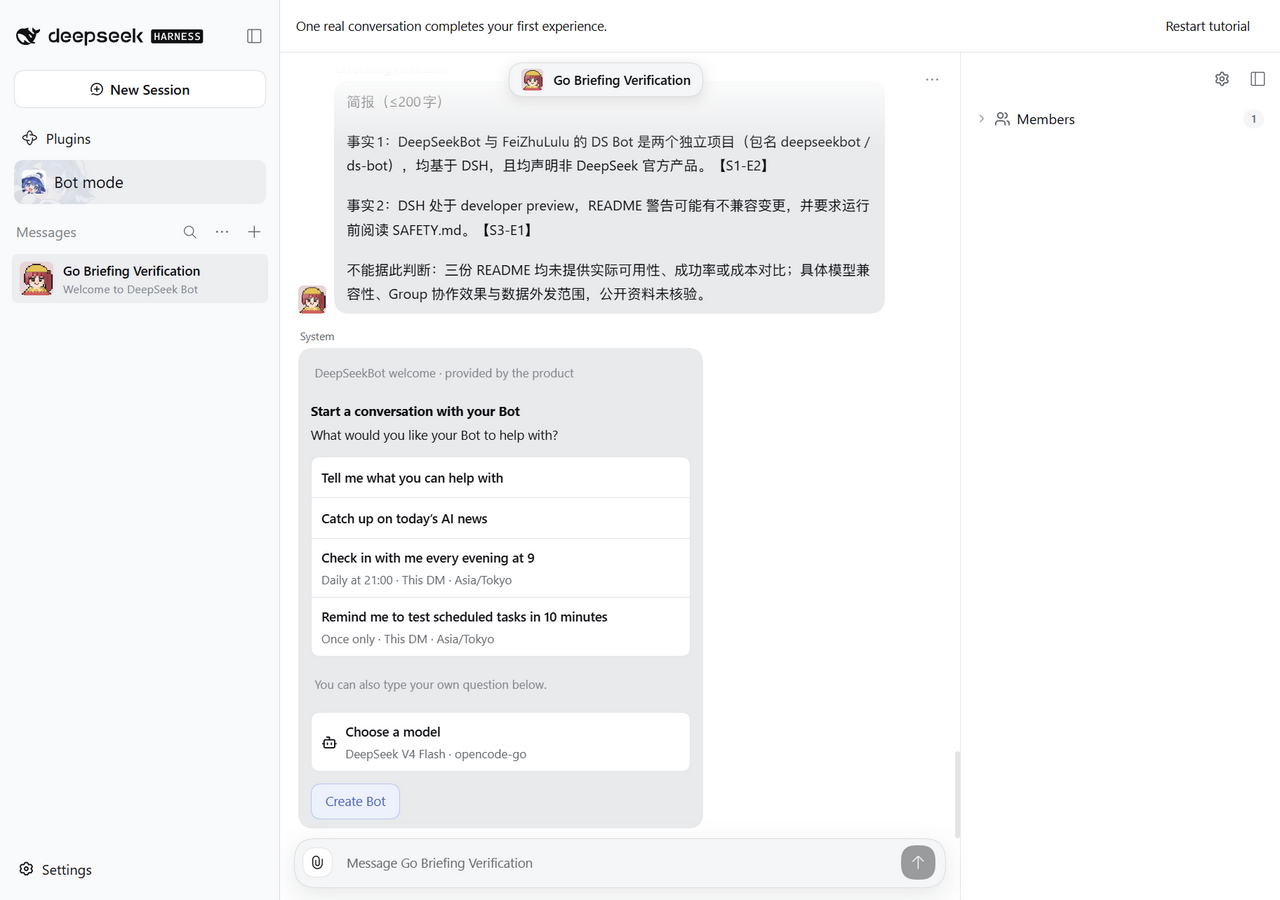
Checking these points gave us a useful list of findings and things to investigate next. You can read the original Chinese reply.
Length was the clearest problem. Our roughly 700-character request produced 1,672 characters. Later, we tried a shorter version with DeepSeek V4 Flash through OpenCode Go: a maximum of 200 characters produced 264. Those counts include Latin text, punctuation and line breaks. A short briefing still needed a human editing pass.
Read the original reply (Chinese)
This task was written in Chinese. On a small screen, scroll sideways to read the reply.
View the full conversation screenshot
Edit toward the next decision
After combining repeated explanations, we kept this summary. It is our edited version, translated into English:
Check the maintainer and package first: BotHarness’s DeepSeekBot (deepseekbot) and FeiZhuLulu’s DS Bot (ds-bot) are independent projects, neither official DeepSeek products. The former describes memory, groups and task delegation; the latter emphasizes group coordination. These documents do not establish practical efficiency or cost, so try a small task of your own next. When using a remote model, consider what content will be sent with its requests.
We would treat the first reply as a starting point for discussion. The Bot organizes the material; we decide what to keep and what to ask next. If you want a weekly briefing, try this editing loop first. Collecting new sources and sending scheduled updates need separate trials.
Start with the installation guide, or try a coding task next with our experience adding tests to one function.
Run details and original records
We used the DeepSeekBot v1.2.0 source release with DSH 0.2.0-rc.1 on Windows, without desktop or browser operation components. Input documents came from the fixed versions linked above.
The first reply used deepseek-official/deepseek-flash; the shorter attempt used opencode-go/deepseek-v4-flash with the Windows launcher fix. Both returned private replies, without scheduling work or updating memory. Character counts use the original strings’ UTF-16 lengths.
The briefing, test-writing task and diagnostics together made 22 DeepSeek API requests, at an estimated US$0.0197. This estimate does not include OpenCode Go. Self-hosting also requires maintaining the environment and your model quota.